
Configuring a virtual component
A user can now add component and their descriptors for inclusion in the generated PSI with re-multiplexing and associated input PID. Virtual compoments are present as just another type of component like video and audio.
-
Display services.
-
Click
 to edit the service and display parameters. The transport stream parameters display.
-
Select the service, then add and configure a virtual component to the service.
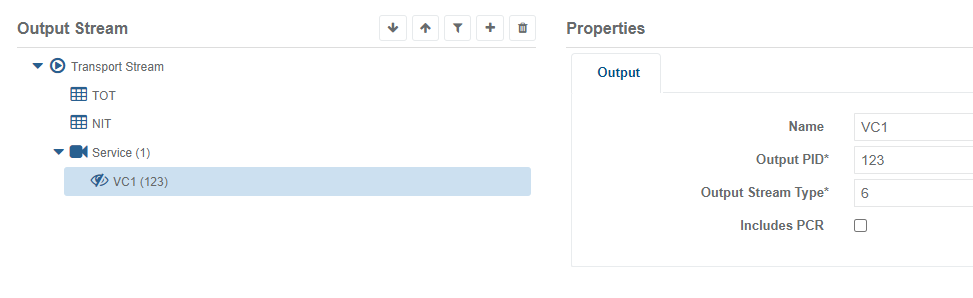
-
You can then add a component descriptor as per any other service output.