
Configure multiple outputs on a service
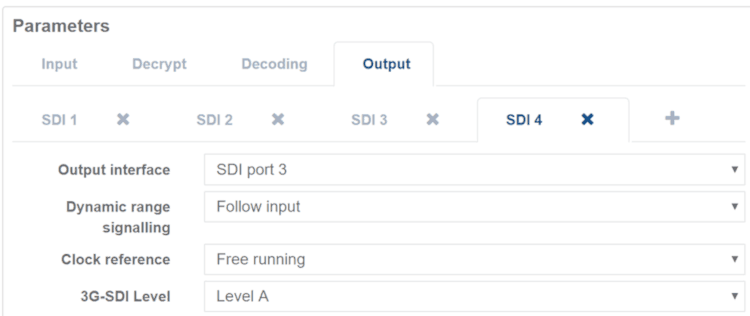
It is possible to add multiple outputs to a single decode.
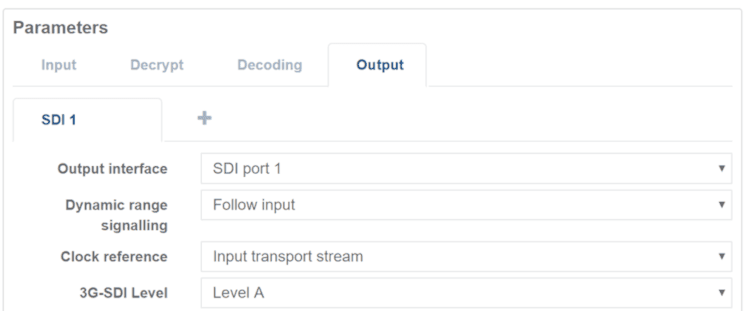
When a service is created a single SDI output or SMPTE ST2110 output is automatically assigned.
-
From the Home page, select the RECEIVER item from the required feed then click .
-
From the Parameters section, select to Output tab.
-
Click + to add an output.
-
Select the Output Type.
If another service is already using this interface when you try to start the service then it will be blocked from starting until one of the following conditions is met:- an unused port is selected for the new service
- the current running service is stopped
- the service is reconfigured to avoid a clash
- the added Output interface is deleted. If the service is blocked from starting for this reason, then the alarm icon displays an appropriate alarm, for example:
Insufficient Resources – SDI 1 already in use.