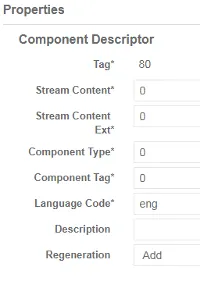
Descriptor
Configuring a service descriptor
Section titled “Configuring a service descriptor”-
Display services.
-
Click
 to edit the service and display parameters. The transport stream parameters display.
 -
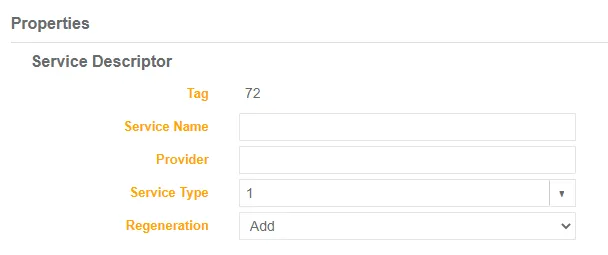
Select the service and add a custom descriptor to the transport stream service if none exists, or select an existing descriptor to display Properties.
-
Enter the service Name
-
Enter the service provider name
-
Select the service type in the drop-down list
-
Select the regeneration mode for this descriptor when descriptor regeneration is on.
-
Configuring a component descriptor
Section titled “Configuring a component descriptor”-
Click
. The transport stream parameters display. -
Select the component and add a custom descriptor to the transport stream component if none exists or select an existing descriptor to display Properties.