
HLS or DASH over CMAF specific output settings
The CMAF (Common Media Application Format) is a fMP4 based format that is used as a common format for both HLS and DASH content delivery. A single copy of the media segments is needed, which leads to significant gains in terms of storage and bandwidth.
General
Section titled “General”You can configure for both HLS and DASH:
DASH output type configuration
Section titled “DASH output type configuration”Manifests
Section titled “Manifests”By default, the output manifest is delivered without any specific bitrate filtering. Depending on your delivery needs, you can adjust the bitrate filtering on your manifest and add manifests with variant filtering parameters.
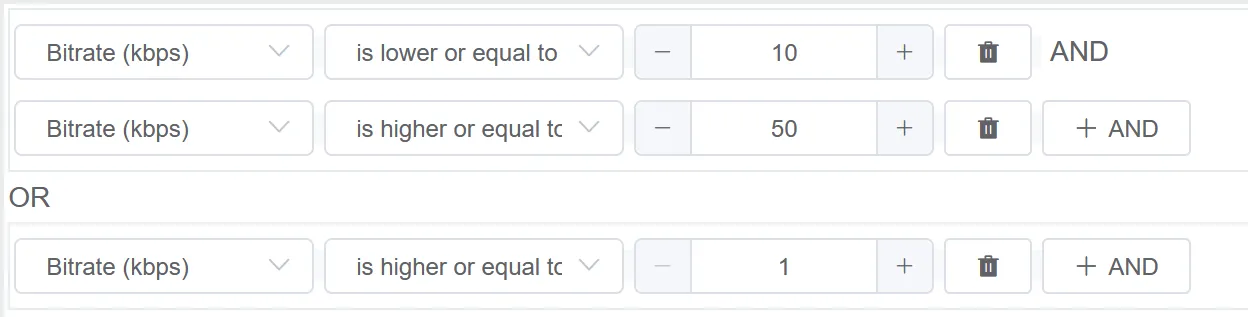
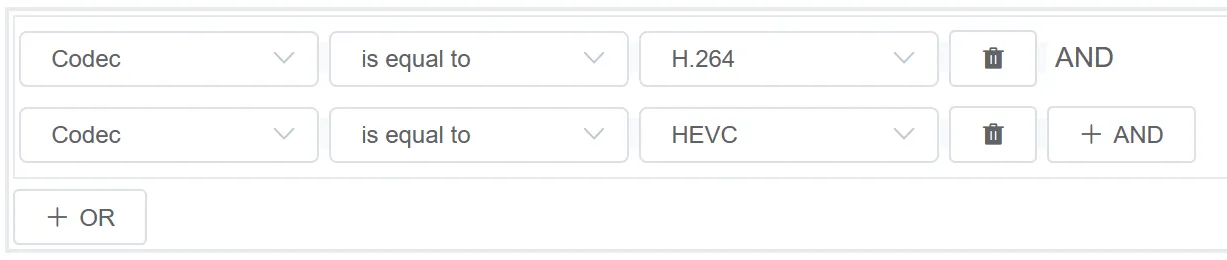
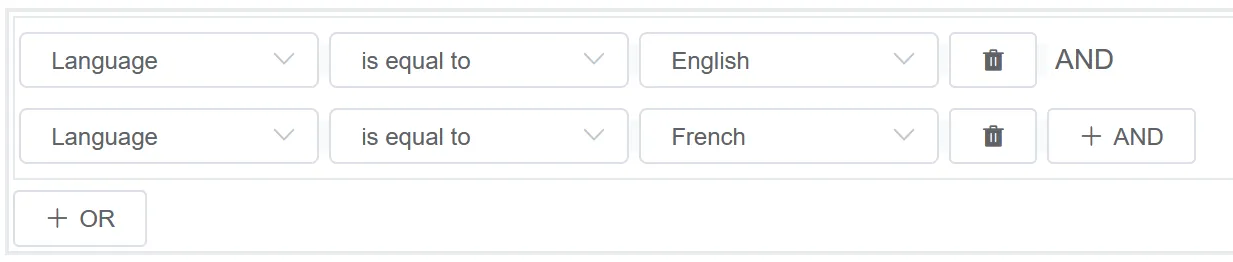
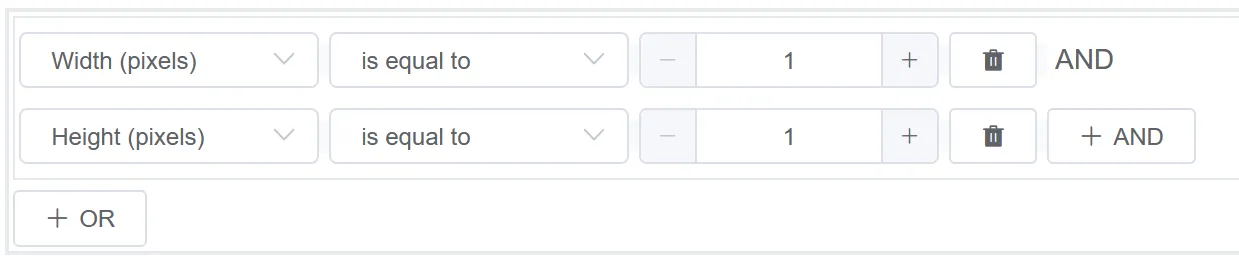
Stream characteristics filtering for DASH over CMAF outputs can be based on:
-
Bitrate in kbps - for Video/Audio/Subtitle streams filters.
-
Codec (H.264 or HEVC) - for the Video streams filter.
-
Language (H.264 or HEVC) - for the audio streams filter.
-
Width (pixels) or Height (pixels) for the Thumbnail streams filter.
HLS output type configuration
Section titled “HLS output type configuration”Playlists
Section titled “Playlists”By default, the output manifest is delivered without any specific bitrate filtering. Depending on your delivery needs, you can adjust the bitrate filtering on your manifest and add manifests with variant filtering parameters.
Stream characteristics filtering for HLS outputs can be based either on:
-
Bitrate in kbps - for Video/Audio/Subtitle streams filters.
-
Codec (H.264 or HEVC) - for the Video streams filter.
-
Language (H.264 or HEVC) - for the audio streams filter.
-
Width (pixels) or Height (pixels) for the Thumbnail streams filter.
Delivery
Section titled “Delivery”You can define Access URL for playlist, manifests and segments.
For more details, see Delivery.
Encryption
Section titled “Encryption”By default, the output manifest is published without any specific encryption. To configure output encryption parameters, you can choose between two encryption modes: CENC or CBCS.
You can also disable audio encryption. For more details, see Key usage rules.
| CENC | CBCS | |
|---|---|---|
| Fixed keys | ||
| PlayReady | X | X |
| Widevine | X | X |
| Fairplay | X | X |
| External keys (compatible CPIX) | ||
| PlayReady | X | X |
| Widevine | X | X |
| MediaRoom | X | X |
| Fairplay | X | X |
| Clearkey | X | X |
Content replacement
Section titled “Content replacement”This feature is not currently used in MK.IO Beam.