When the feed is running:
-
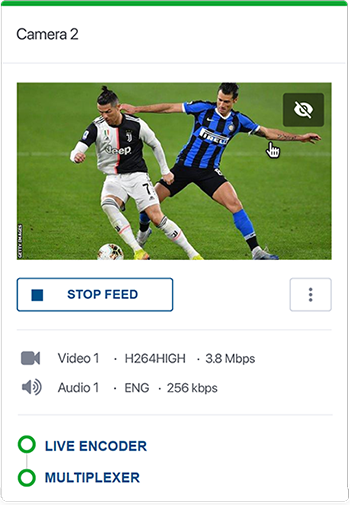
If no alarm is raised, you should have the following:
-
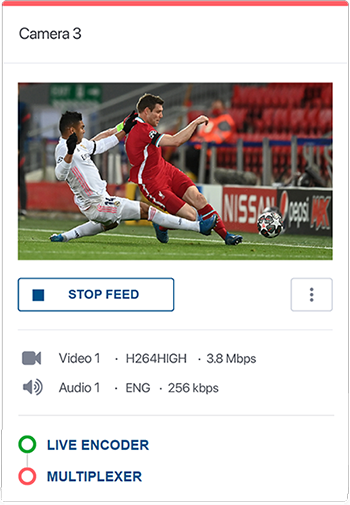
If one or more alarms are raised, a color alarm indicator along the top of the feed is shown. The alarm indicator takes the color of the active alarm with the highest level of severity.
You can click the alarm icon on each component to go to the alarms page for that component.
Show alarms in local time
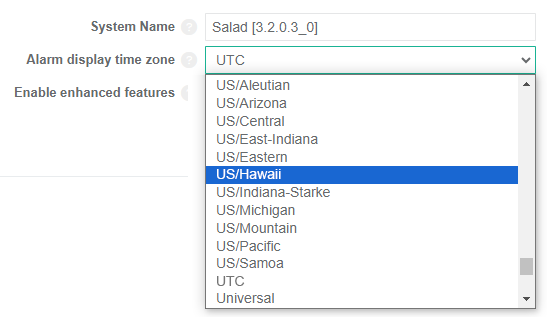
Alarm times can be displayed in local time instead of UTC.
To configure this, click  in the top right corner then select the Settings menu. From the General tab, set the Alarm display time zone to the required time zone.